
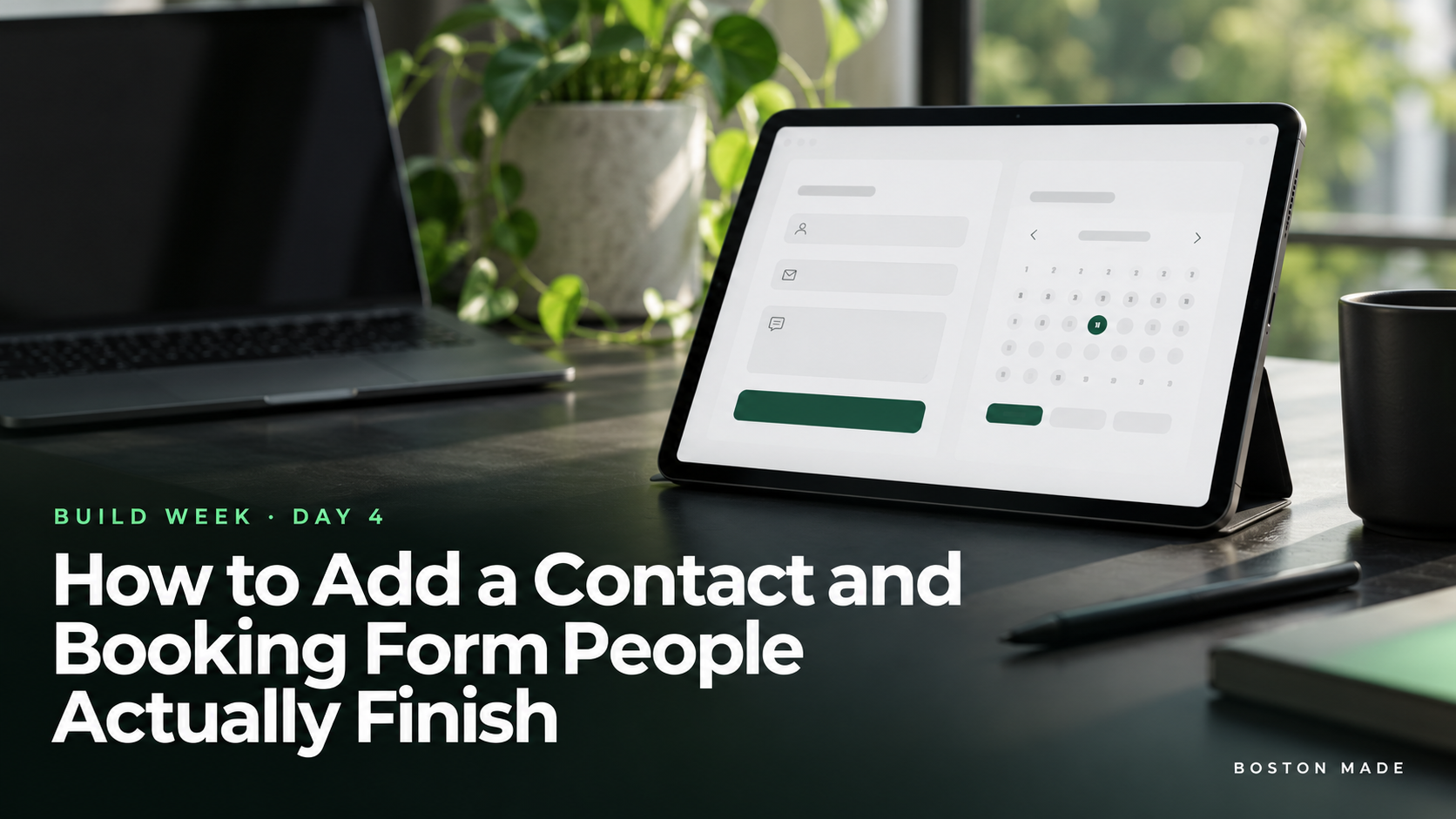
Build Week, Day 4: How to Add a Contact and Booking Form People Actually Finish
Boston Made, Inc.Office of the Founder & CEO
From the desk of Nathan StricklandBoston, Massachusetts ·
Dear Sir or Madam,
BUILD WEEK · Day 4 of 5
Every field you add is one more reason to quit. Ask only for what you need to call them back.
The minimal form
- Name
- Phone or email, whichever you actually use to follow up
- What do you need? A short text box or a dropdown of services
- Preferred time, optional, for bookings
Consent, done right
If you plan to send texts or marketing emails, say so clearly next to the field, use an opt-in checkbox that isn’t pre-checked, and link your privacy policy. Plain, honest consent language keeps you in line with messaging rules and builds trust. Rules vary, so ask a professional if you’re unsure.
Keep the spam out
Turn on spam protection, such as a hidden honeypot field or a spam filter, so real leads don’t get buried.
Follow up fast
Send each submission to a phone you actually check. A same-day reply wins more jobs than a better website. Set an auto-reply that says when they’ll hear from you, and keep that promise.
Today’s task
Add a four-field form to your contact page and a “Book a time” button to your homepage, then send yourself a test. Tomorrow: launch.
BUILD WEEK is a five-day guide from Fenway Web, a Boston Made company, to building a small-business website yourself. Previous: Day 3. Next: Day 5, the launch checklist.
🛠️ Build it on the Fenway Web website builder · More tutorials at info.fenwayweb.com · All storylines on the Boston Made Reader.


