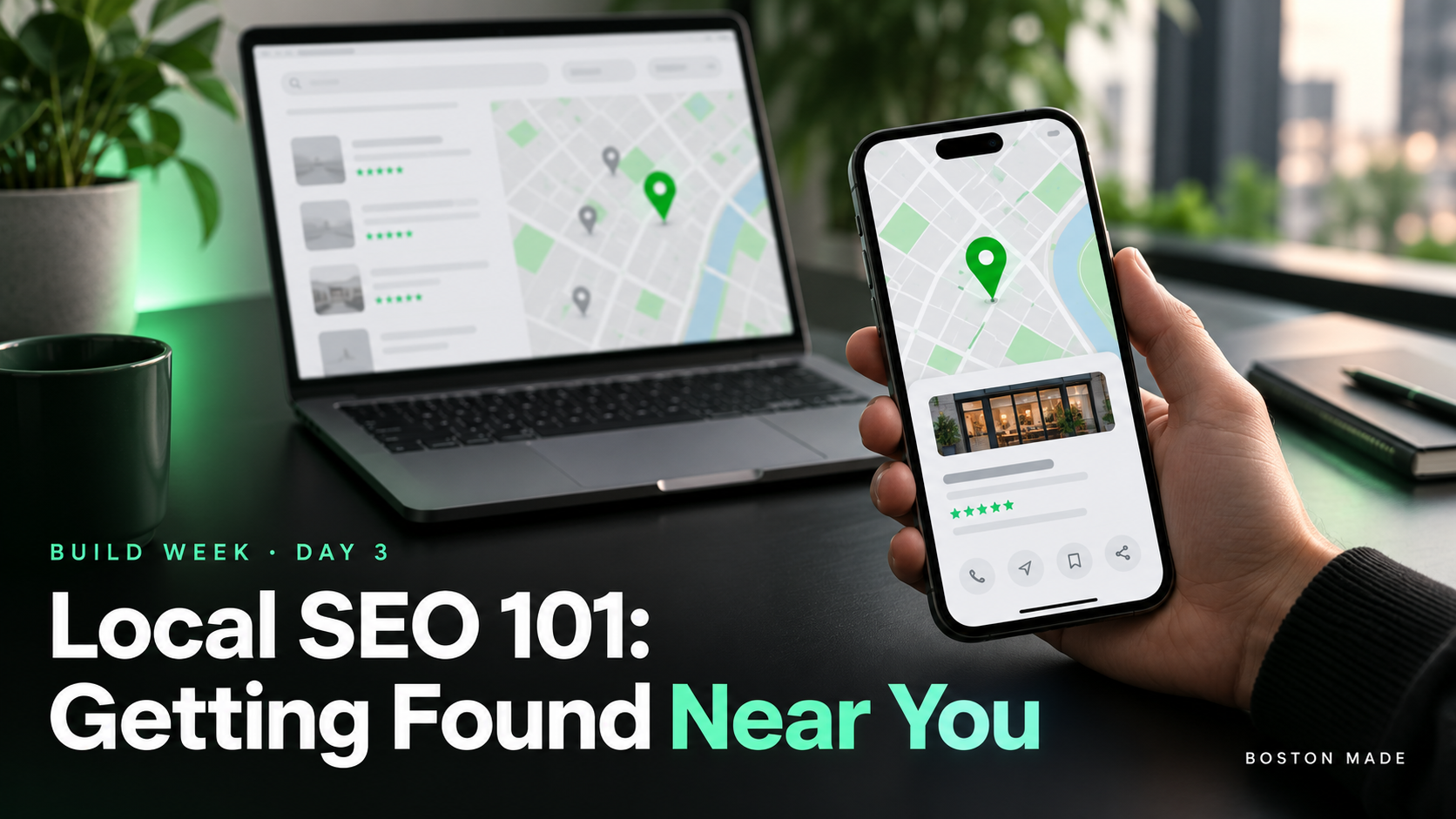
Build Week, Day 3: Local SEO 101 — Getting Found Near You
Boston Made, Inc.Office of the Founder & CEO
From the desk of Nathan StricklandBoston, Massachusetts ·
Dear Sir or Madam,
BUILD WEEK · Day 3 of 5
For most local businesses, “near me” searches matter more than any other. Here are the basics that help you show up.
1. Keep your details consistent
Use exactly the same business name, address and phone number on your website footer, your Google Business Profile, Facebook, Yelp and any directory listings, including GrandStrand.app if you’re on the coast.
2. Complete your Google Business Profile
Claim and verify it, choose accurate categories, set your hours (holiday hours too), add photos, and link to your new site. For many local searches, this profile is what people see first.
3. Give each service its own page
A page called “Roof Repair in Conway, SC” can rank for that search. A single “Services” page with ten bullet points usually can’t. Write for people, and mention your town naturally.
4. Ask for reviews, honestly
Ask happy customers right after the job, and make it easy with a direct link. Never buy or fake reviews. It’s against platform rules and it destroys trust.
5. Get the basics right
- A fast site that works on phones. Most local searches happen on a phone.
- A clear title on every page: “Service + Town | Business Name.”
- Descriptive image file names and alt text.
Today’s task
Claim or update your Google Business Profile and build your first service page. Tomorrow: forms and bookings.
BUILD WEEK is a five-day guide from Fenway Web, a Boston Made company, to building a small-business website yourself. Previous: Day 2. Next: Day 4, add a contact and booking form.
🛠️ Build it on the Fenway Web website builder · More tutorials at info.fenwayweb.com · All storylines on the Boston Made Reader.


